AI Master Brain

How to Obtain Your OpenAI API Key

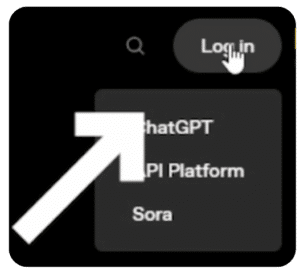
To start, navigate to the official website of OpenAI Platform: https://platform.openai.com

If you already have a ChatGPT account just log in at the top right of the page otherwise click sign up and follow the straightforward instructions provided on the site.

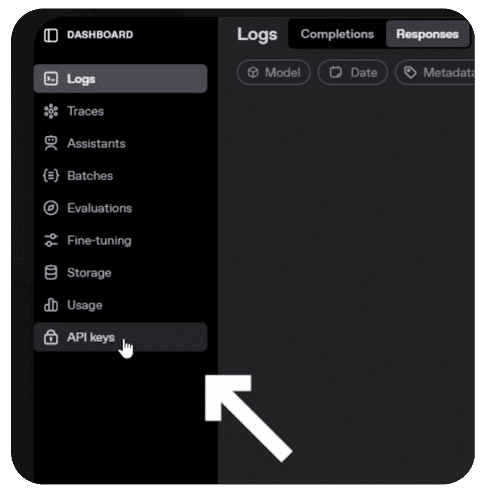
Once you are logged-in, you will be in your own dashboard.

Click the API Keys section in the dashboard menu.

OpenAI may ask you to verify your ID – it is just a one-time step to make sure your account is secure.

For more details: https://help.openai.com/en/articles/10910291-api-organization-verification 

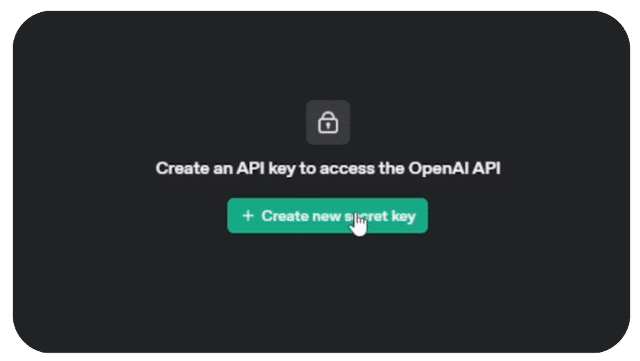
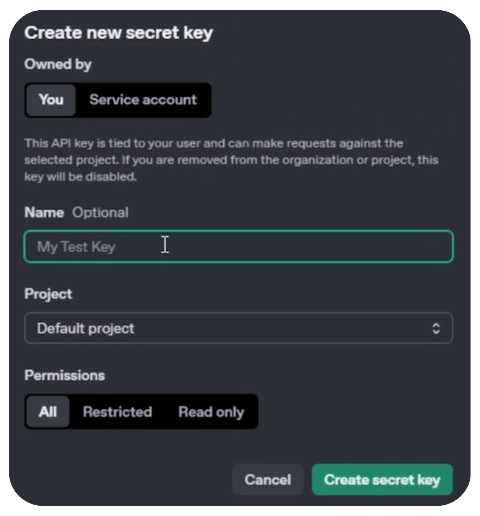
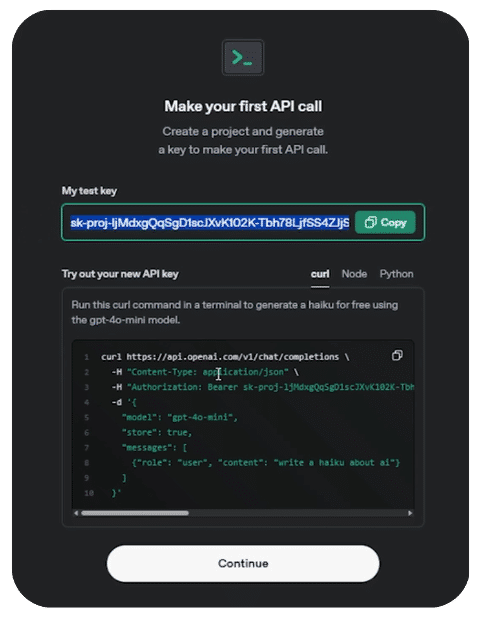
Once verified, in the API Key Section create a new secret key. You can name it anything you like.

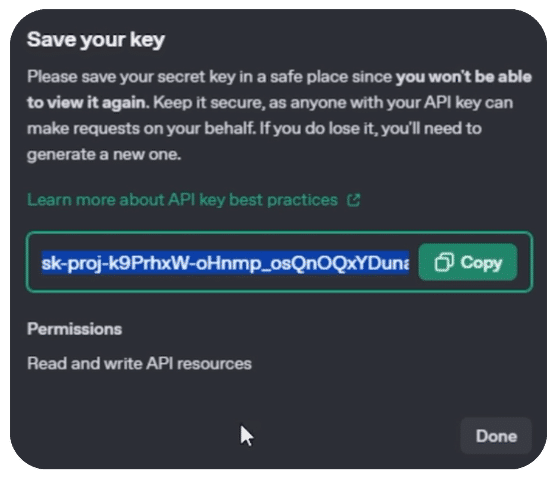
Then click create. You will be shown a long list of numbers and letters. This is your API Key.

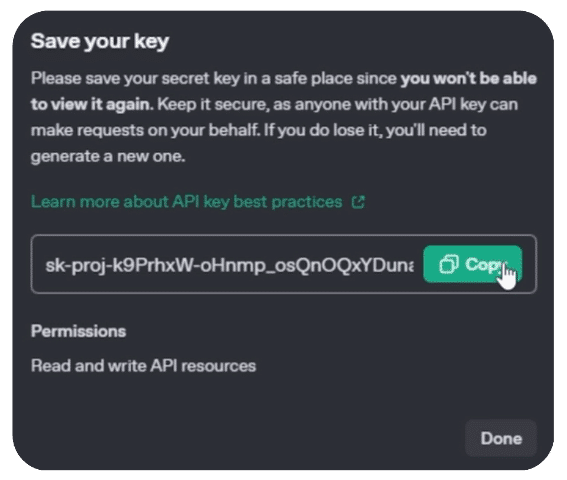
Copy it and keep it safe as you will not be able to view it again after clicking done.

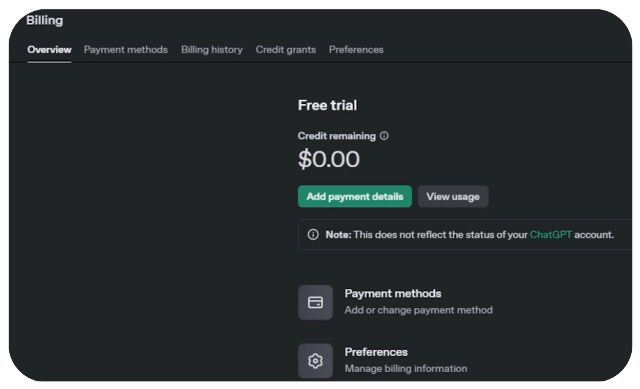
To activate your key, you need to have a balance in your account.

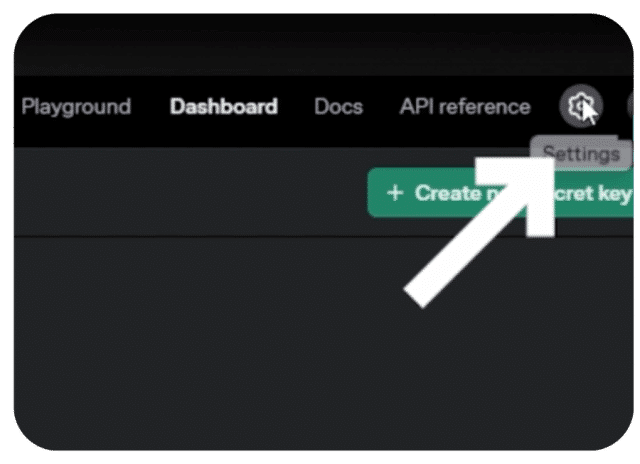
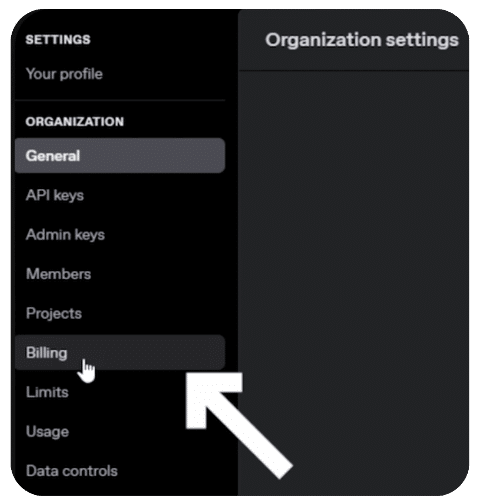
Go to settings and billing to add balance.

Now don’t worry, the usage is super cheap, it literally costs pennies to use most AI tools.

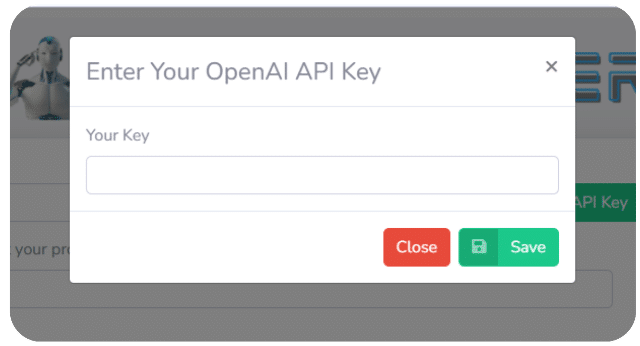
Now you simply need to paste the API Key into the AI MASTER BRAIN.

For a Visual Walkthrough, check out this helpful Video:

Best Practices for Managing Your API Key

  • Keep It Secret: Never share it in public repos or front-end code.
  • Monitor Usage: Keep an eye on your usage here:
    https://platform.openai.com/account/usage
  • Set Usage Limits: This helps control unexpected costs.
  • Use a different API Key for each different AI platform tool you sign-up for, so you are know where the usage costs are coming from.

How to Fix "Incorrect API Key Provided" for OpenAI

Before you send email complaints to OpenAI, you should check the following:

  • Scan for typos and extra spaces in your API Key
  • Make sure you’re not using the API Key for a different organization or AI project
  • Verify if your API Key has been deleted, deactivated, or cached
  • Avoiding the above-mentioned errors can quickly and easily solve your problem and let you get back to work as soon as possible.

What to Do If an OpenAI API Key Isn't Working

  • If you’re still having issues despite not having any of the errors we listed above, try clearing your browser’s cache and cookies before trying again.
  • To make sure your API key is formatted correctly, you can consult the authentication page on OpenAI’s platform website. This page goes into detail about how to verify if your API is working through how requests are made and also lists some helpful examples. If all else fails, you can potentially generate a new API Key (follow the steps at the top of this article).
  • Additionally, we recommend taking a look at OpenAI’s article about best practices for API Key safety. It can help you steer clear of common problems and it also breaks down how the API Key process works.
Dazza Digital Marketing

AI Master Brain is a product by Dazza Digital Marketing

Skip to content